 COME
COMEDetails to Include in a COME Download Question
A download question is easier to understand when it includes the stage, exact message and non-sensitive file context. You do not need to expose account credentials to explain an APK issue.
Describe the stage precisely
Say whether the app page failed to load, the browser transfer failed, Android refused installation or the installed app failed to open. Include the time and device software. These outcomes lead to different checks.
Add only the relevant file facts
Use the destination host, offered release and saved-file status when the question concerns a package. If COME is already installed, include its specific version if available. Do not substitute a phrase such as “latest” for a version number.
Choose the appropriate help context
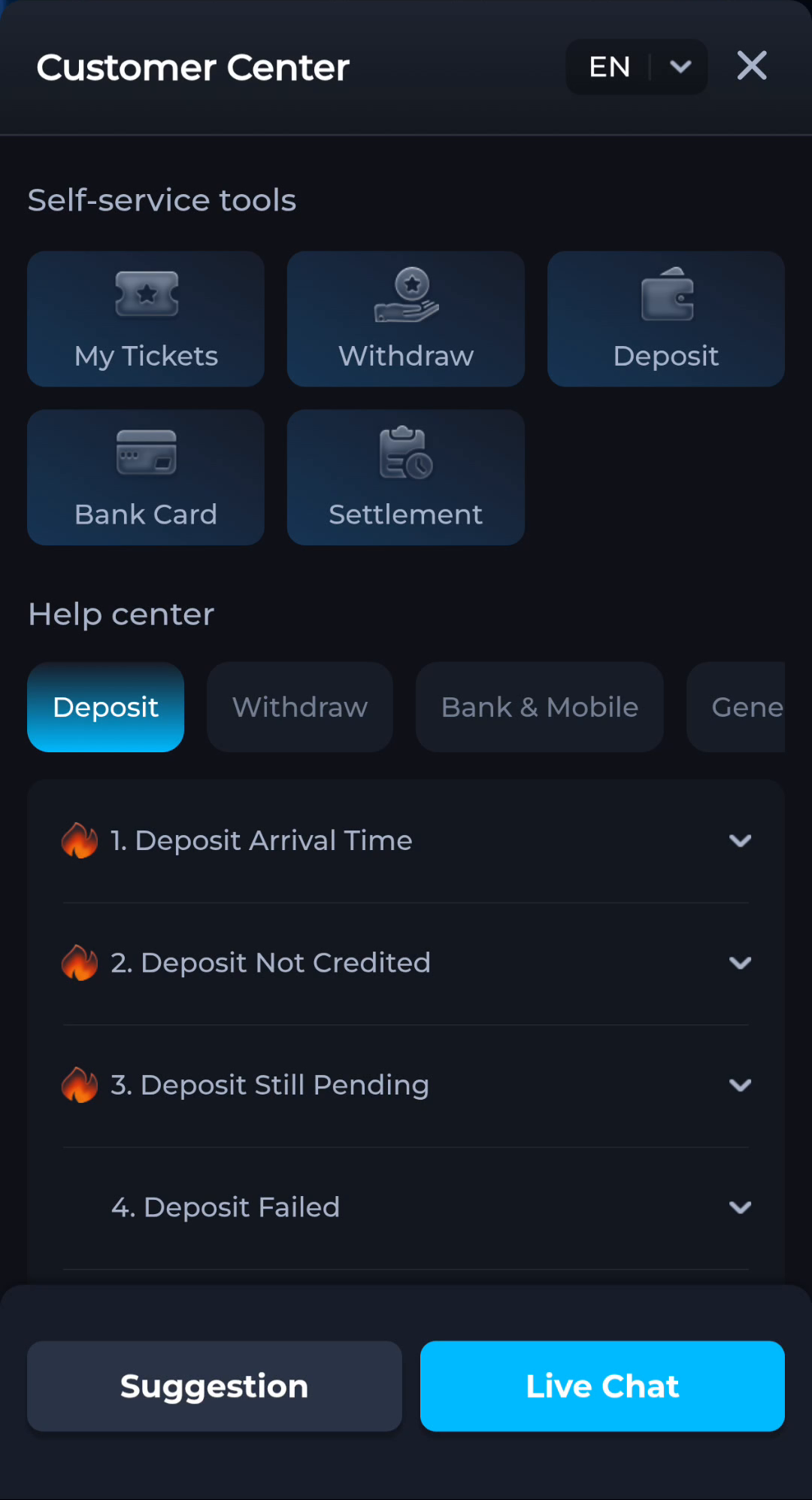
Customer Center separates help categories and tickets. Follow the current service’s route for your issue and provide a concise description. Avoid passwords, OTPs, UPI PINs, payment credentials and complete session-bearing links in a technical question.
A useful next step
Use Download again when the file question has a clear answer. Keep the installed app and recovery access while checking an uncertain replacement.
Related: When COME Version Information Differs Between Screens