 COME
COMEFind the Right Area in COME Customer Center
COME Customer Center groups help topics separately from ticket access and other self-service options. Start with the task you need to solve, then follow the matching label on the current screen.
Distinguish topics from tickets
A help topic provides reading guidance; My Tickets concerns questions already raised through the service. Reading an answer and opening an existing ticket are different actions. Check which one you need before repeating a request.
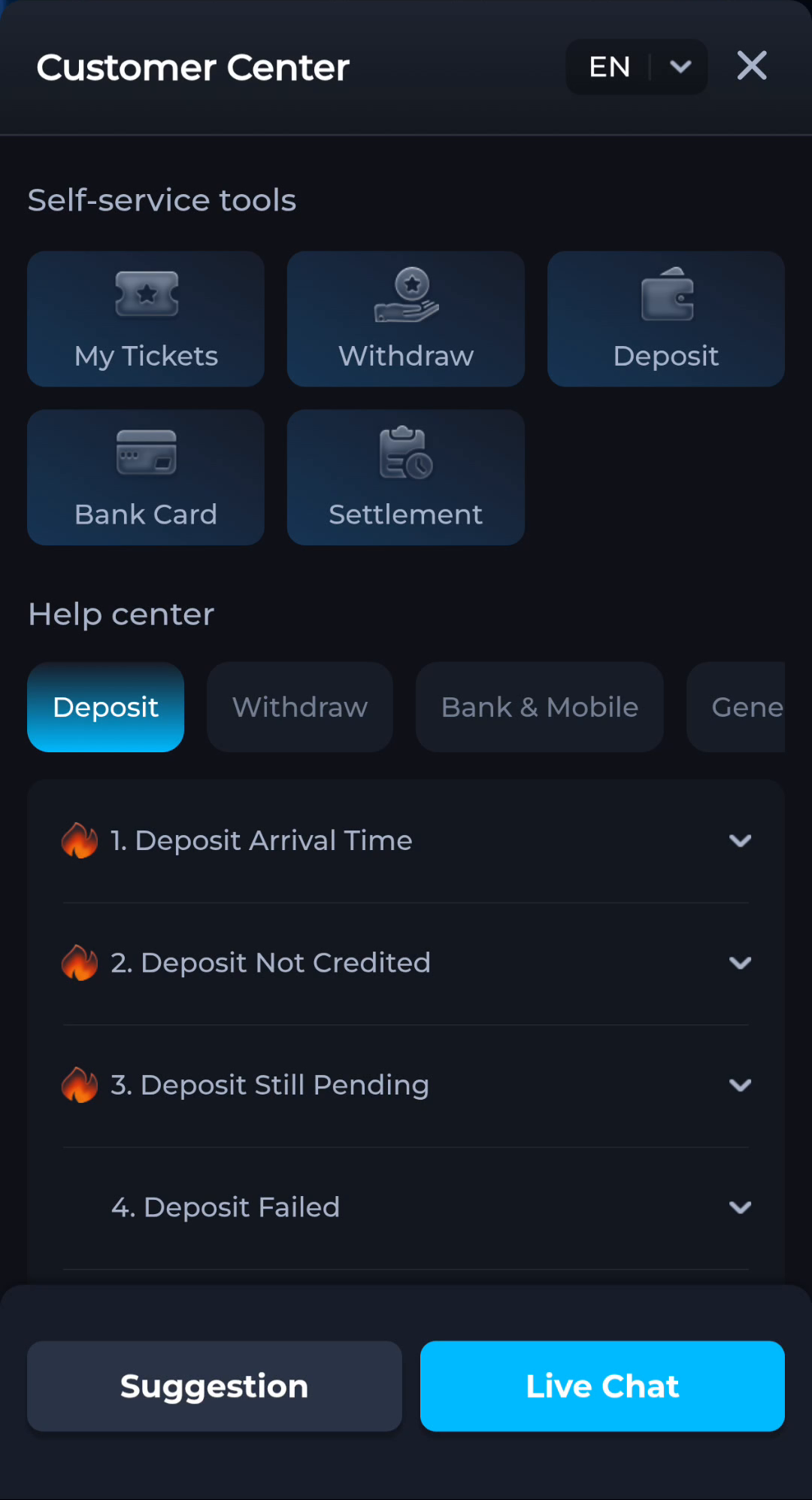
Use the category matching the issue
The pictured interface separates categories around different account and service tasks. Choose the category matching the screen or action involved. A general app question should not be described as a transaction problem unless a transaction is actually the issue.
Prepare a useful description
Record the action, exact message and time, together with a relevant non-sensitive reference if the service asks for one. Keep credentials private. The website’s general guides cannot change a ticket status or resolve an account-specific record.
A useful next step
Return to COME’s overview for the main app route or browse Guides for another task that can be answered through reading.